 Desktop Note
Mac · iPhone · iPad
Sticky notes for your desktop and Home Screen
Keep a short plan, a useful reference or your next thought somewhere you will see it. Desktop Note gives notes a place on your Mac desktop and your iPhone or iPad Home Screen.
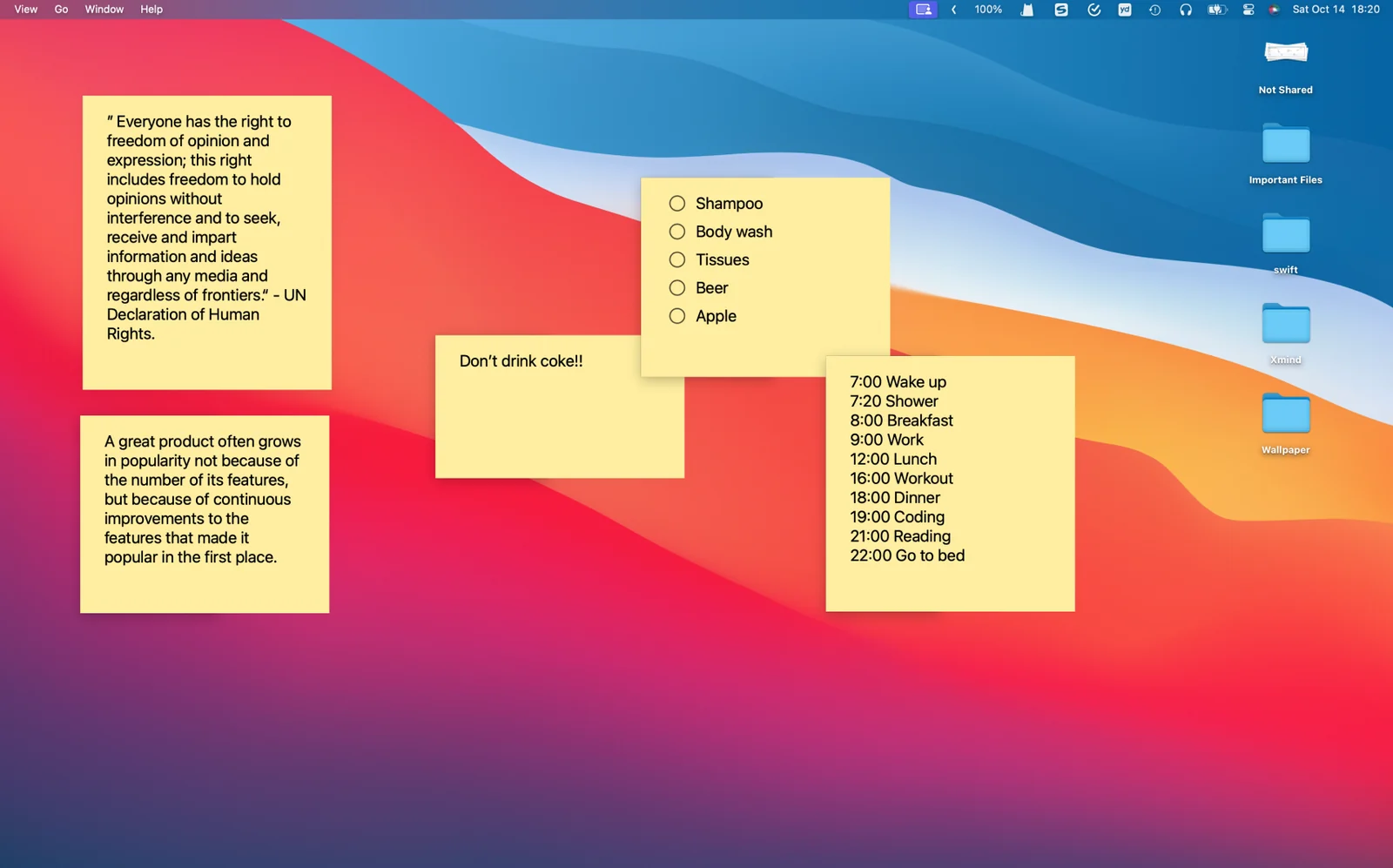
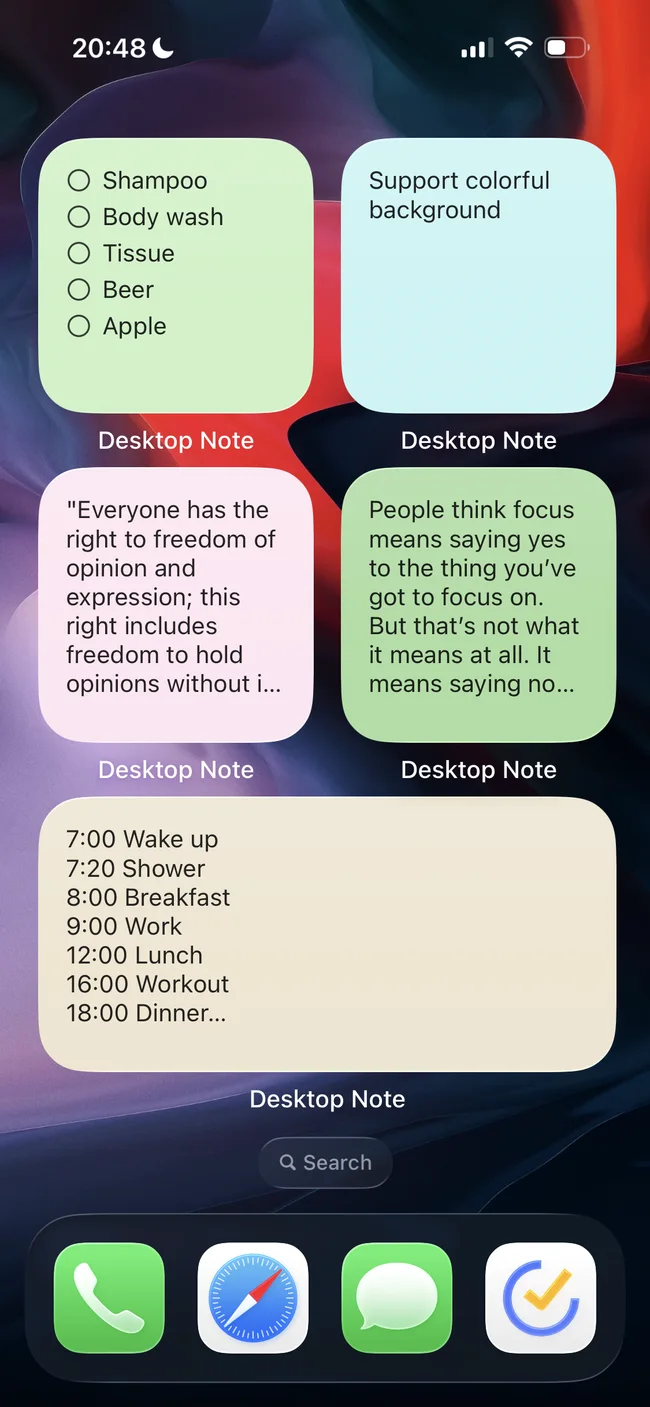
Keep a thought in sight
Give a useful note a place on your Mac desktop. On iPhone and iPad, bring selected notes to the Home Screen with widgets.
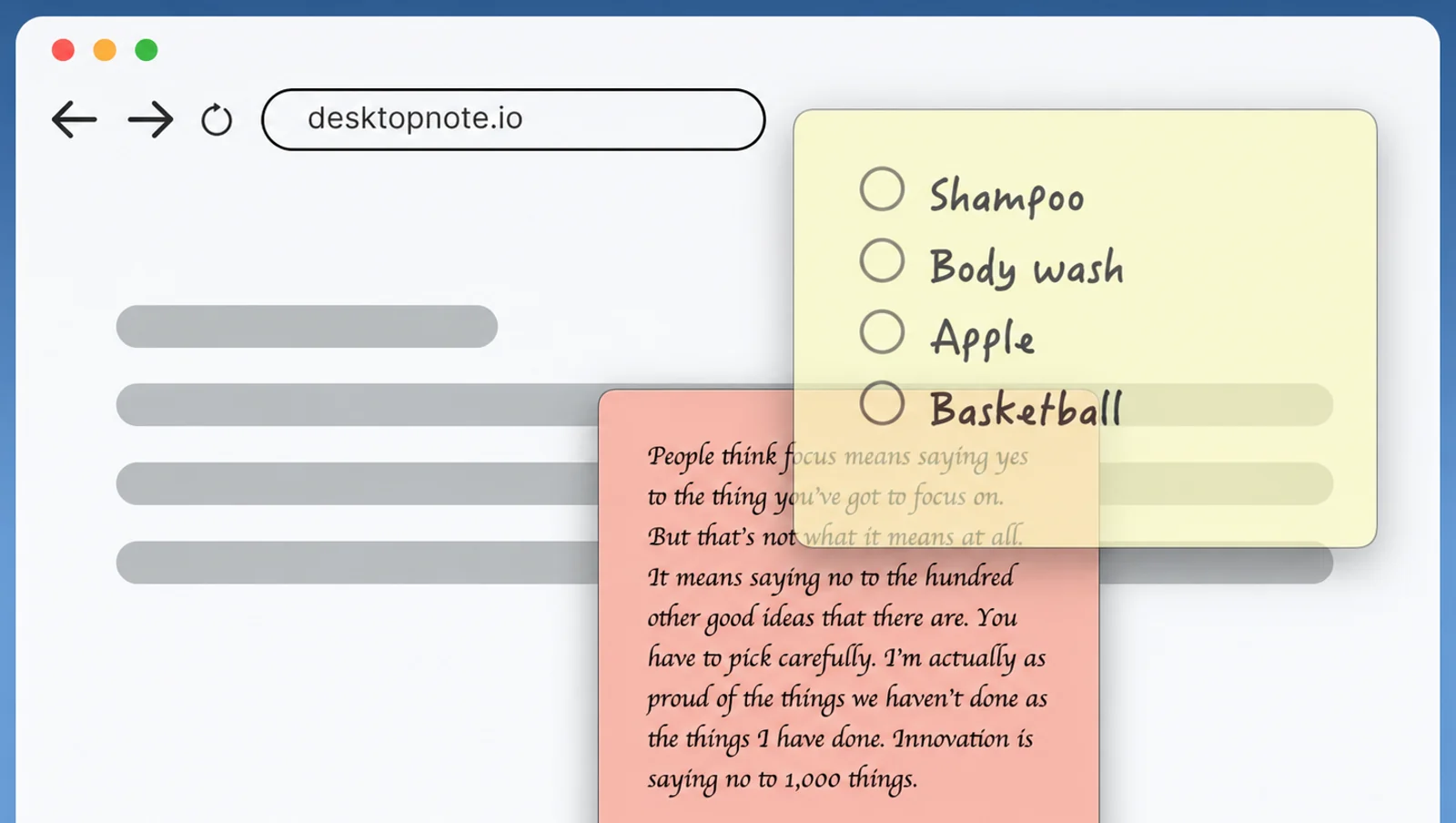
Keep the reference close
On Mac, keep a note above other windows and adjust its opacity to suit your workspace. Keep a useful reference in sight while leaving the work beneath it visible.
A place in your day
- Keep today’s priorities beside your work.
- See a packing list when you unlock your phone.
- Keep a small reference close during a focused task.
On your devices
macOS
Mac notes live on the desktop. Always-on-top, opacity and Spaces settings let you adapt their visibility to the way you work; check each option separately for your workspace.
For Mac ↗iOS · iPadOS
On iPhone and iPad, selected notes appear in Home Screen widgets. Edit your content in the app and choose what you want the widget to display.
For iPhone & iPad ↗FAQ
Will a note stay above every app?
Mac offers an always-on-top setting. iPhone and iPad use Home Screen widgets instead, so the same display behavior does not apply across platforms.
Where can I find setup instructions?
The Mac desktop-note and iPhone widget guides explain the separate setup choices. This page shows what each display mode is useful for.