 Desktop Note
Small notes.
Clearer days.
Keep sticky notes, to-do lists and photos close with Desktop Note for Mac, iPhone and iPad. Personalize your space and sync through iCloud.
macOS · iPhone · iPad / iCloud
Desktop Note
Make room for your everyday.
A thought to keep. A task to finish. A photo that makes you smile.
Notes in sight
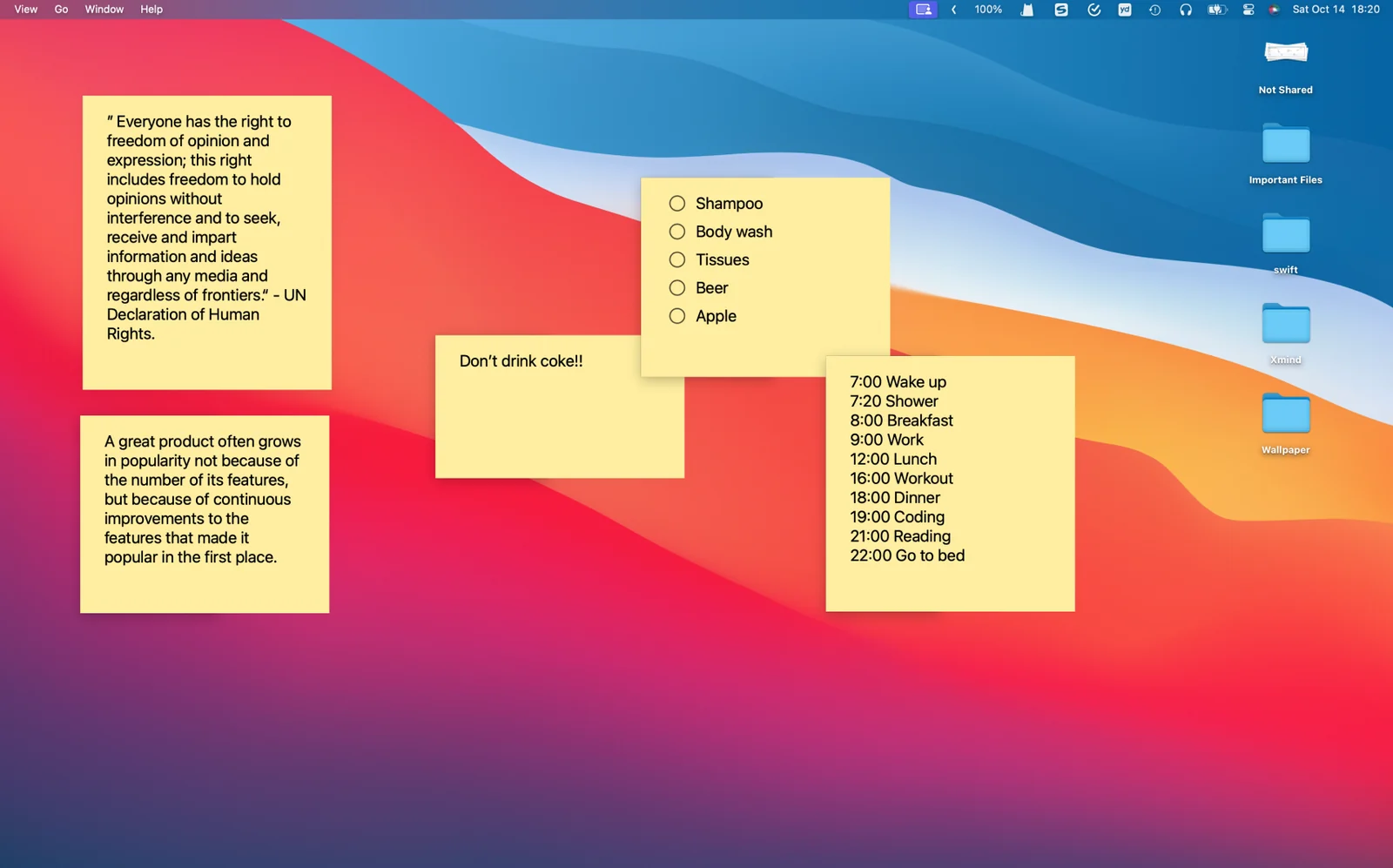
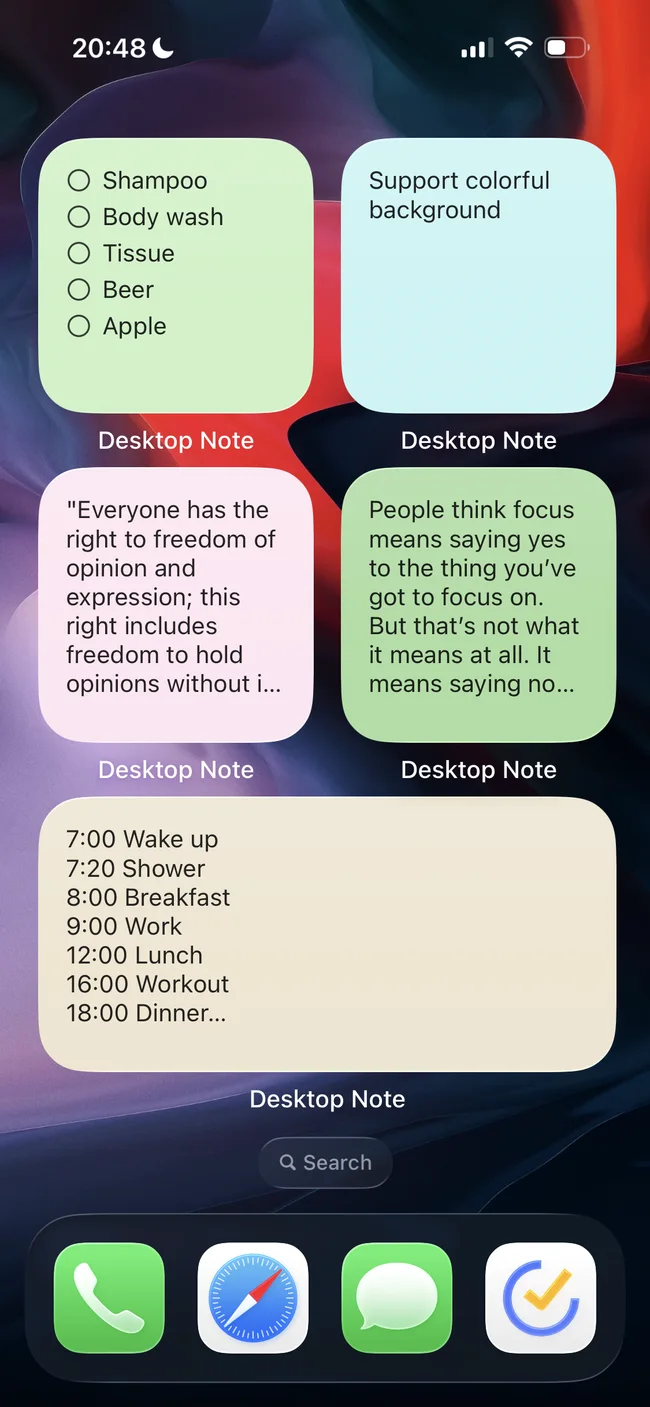
Keep notes close on your Mac desktop and bring useful thoughts to your iPhone or iPad Home Screen.
Explore the features 02Make it yours
Choose colors and illustrated backgrounds that help you recognize each note and enjoy the space around your words.
Explore the features 03Small lists, clear days
Give everyday tasks a place beside your notes, then tick off the things you finish throughout the day.
Explore the features 04Connected by iCloud
Start a note on one Apple device and return to it on another with your personal iCloud account.
Explore the featuresKeep a thought in sight
Give a useful note a place on your Mac desktop. On iPhone and iPad, bring selected notes to the Home Screen with widgets.
Explore the features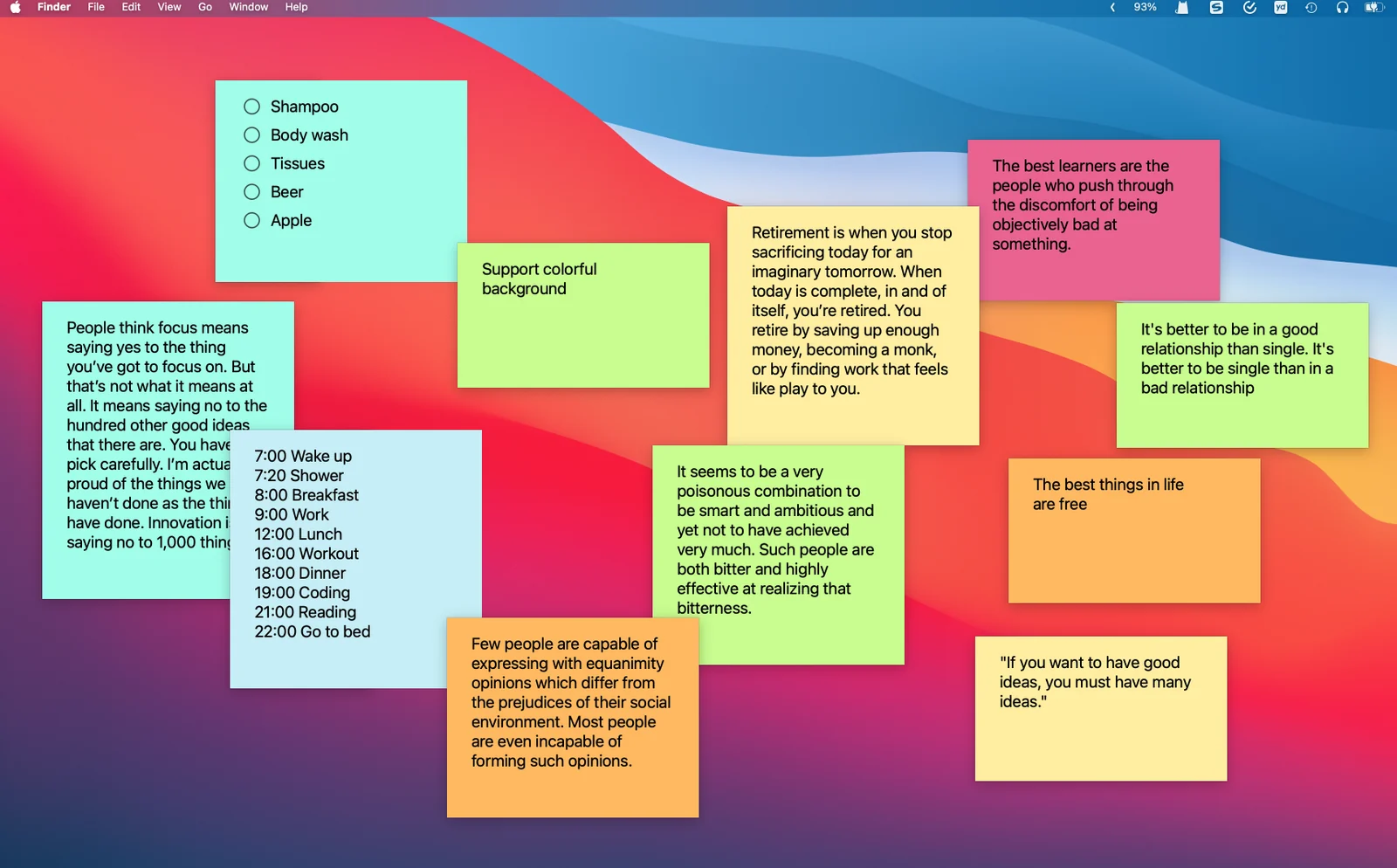
A color for each little thing
Use different note colors to separate a work plan, a personal reminder and an idea worth keeping. Choose a background that makes the text comfortable to read.
Explore the features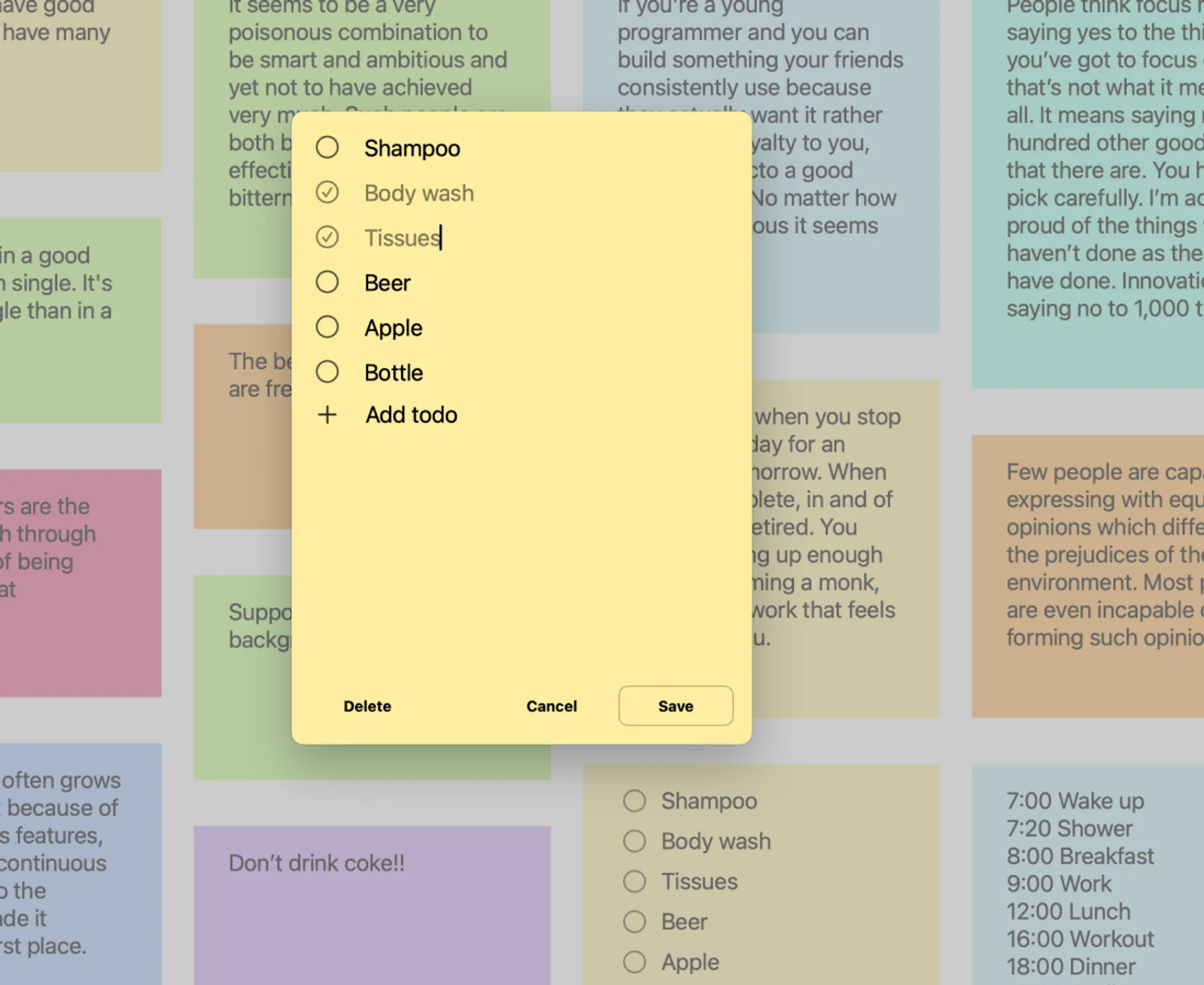
Turn a thought into a small plan
Keep everyday tasks together in a checklist and mark items as you finish them. Give the next small step a place beside your other notes.
Explore the features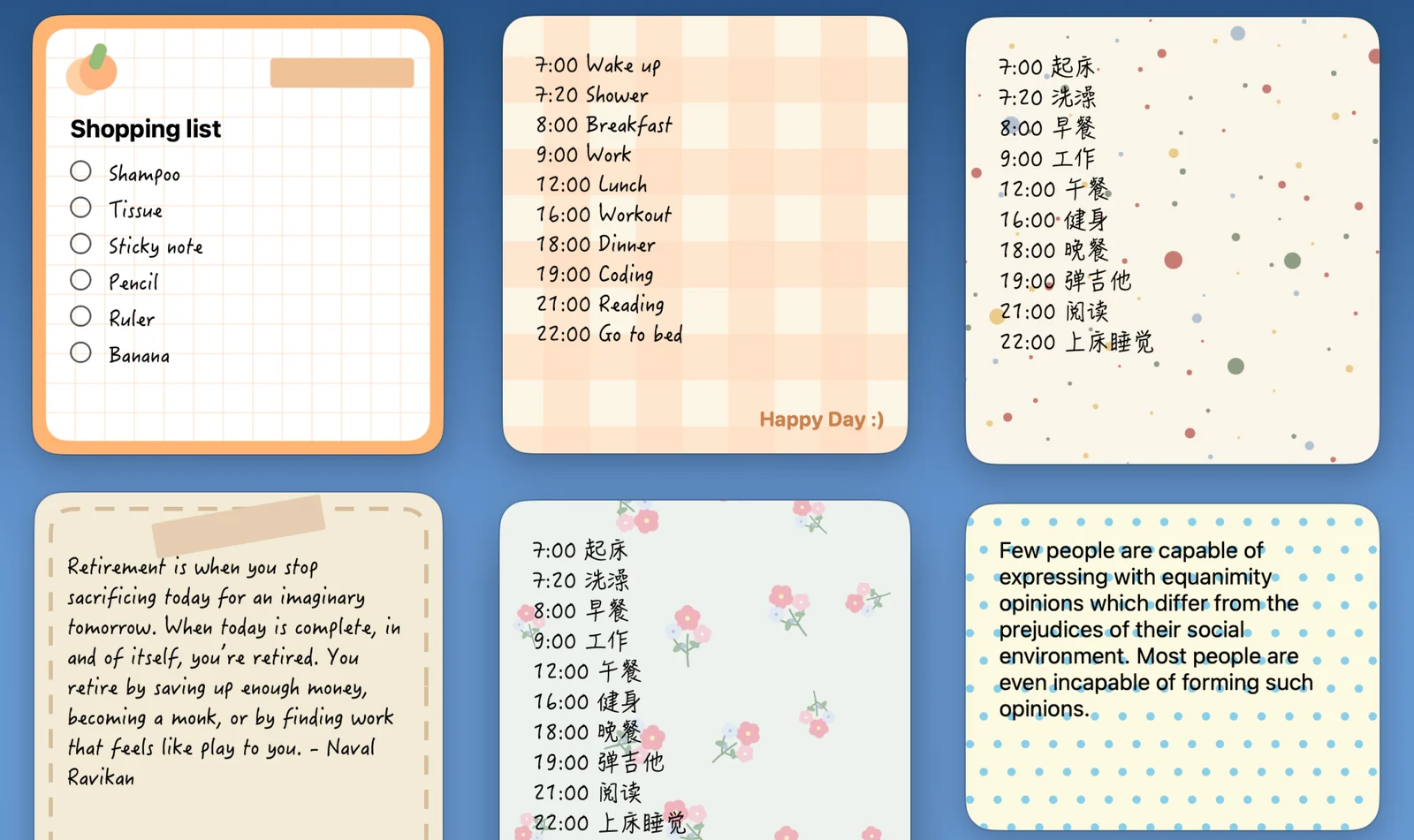
A little character for your notes
Illustrated and patterned backgrounds give a note a different feel. Add a little character to a daily reminder or choose a calm design for a thought you revisit often.
Explore the features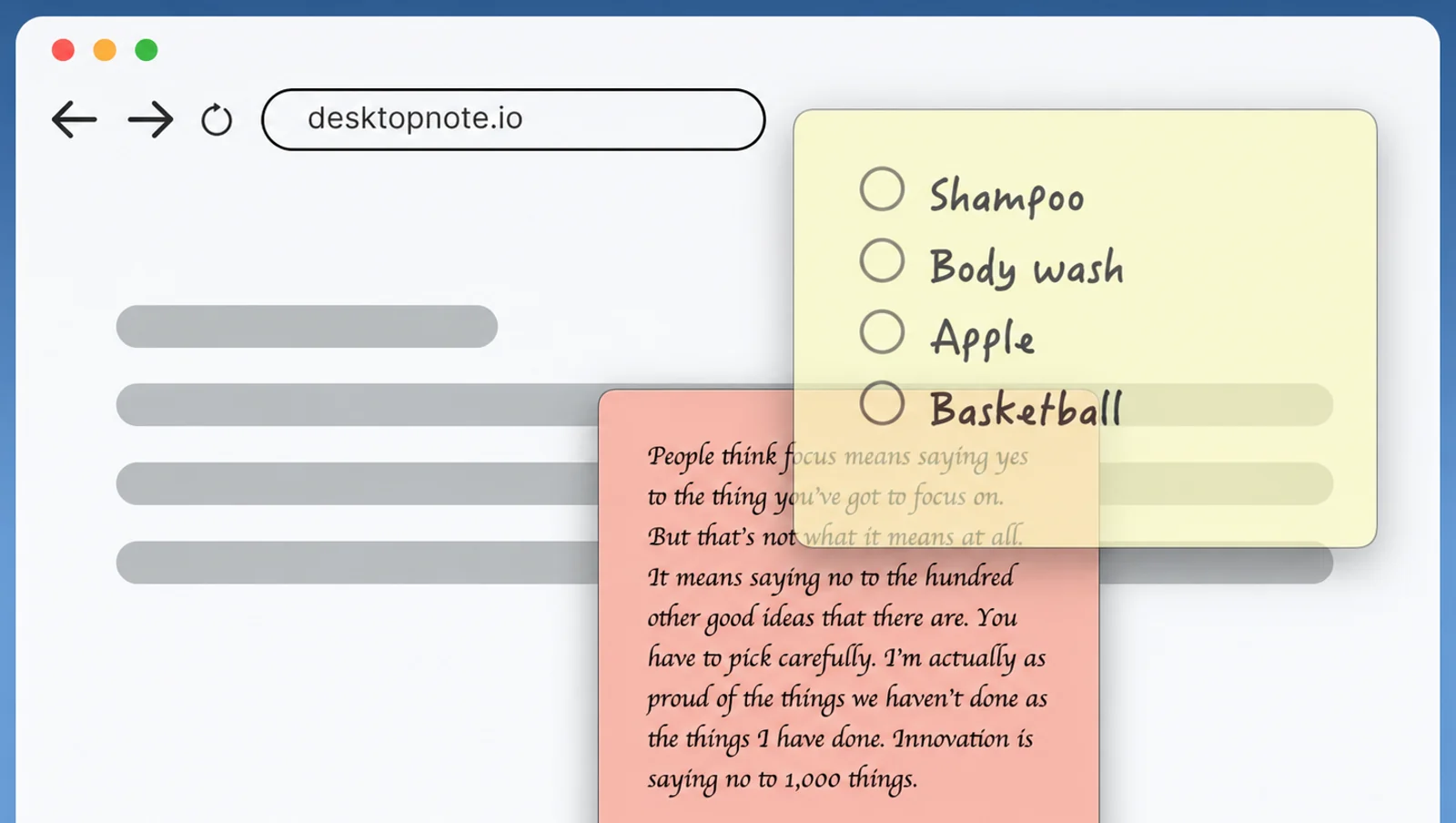
Keep the reference close
On Mac, keep a note above other windows and adjust its opacity to suit your workspace. Keep a useful reference in sight while leaving the work beneath it visible.
Explore the features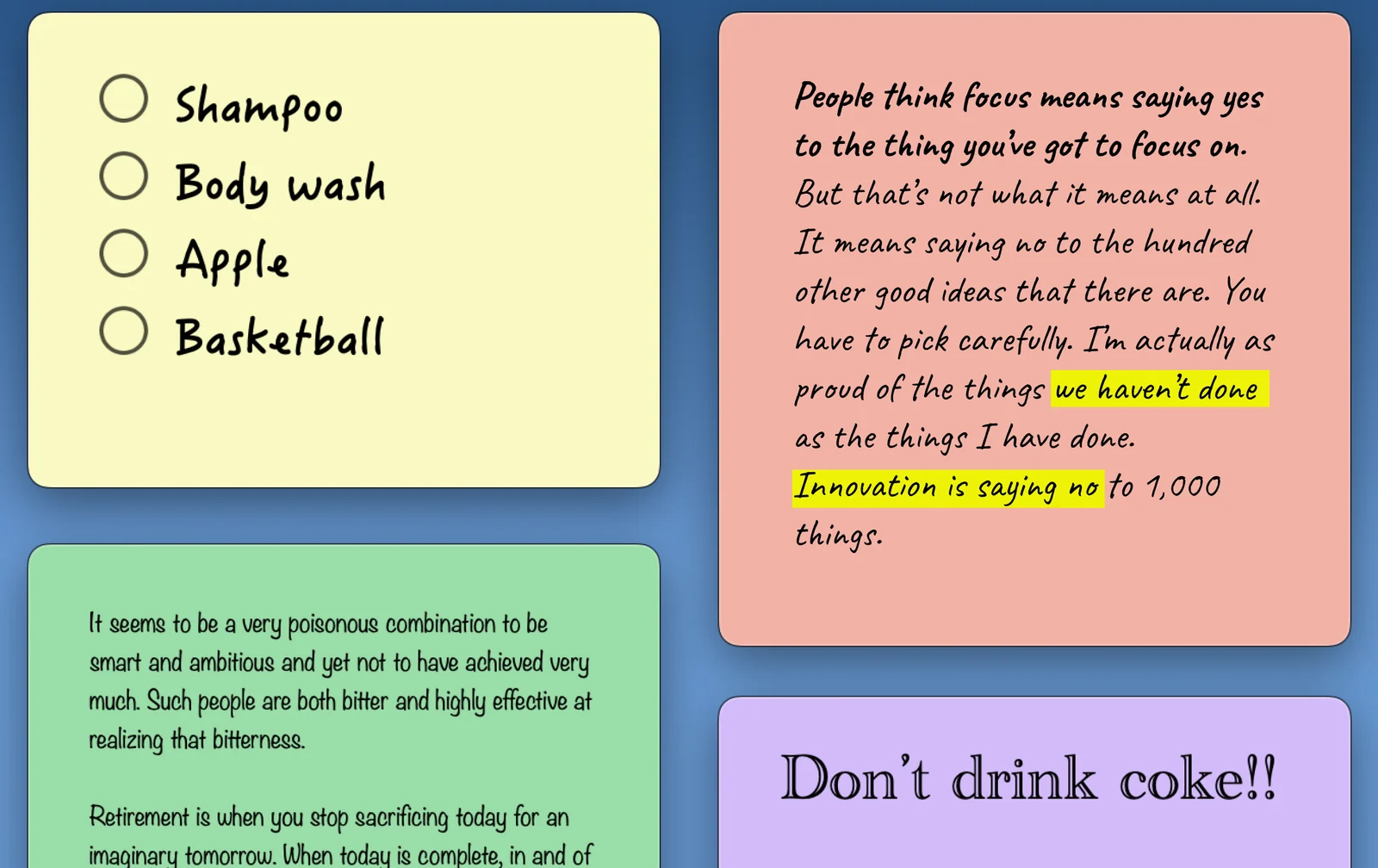
Make the words easy to read
Adjust the text appearance to fit a short reminder or a longer note. Give the words you return to a style that feels comfortable to read.
Explore the features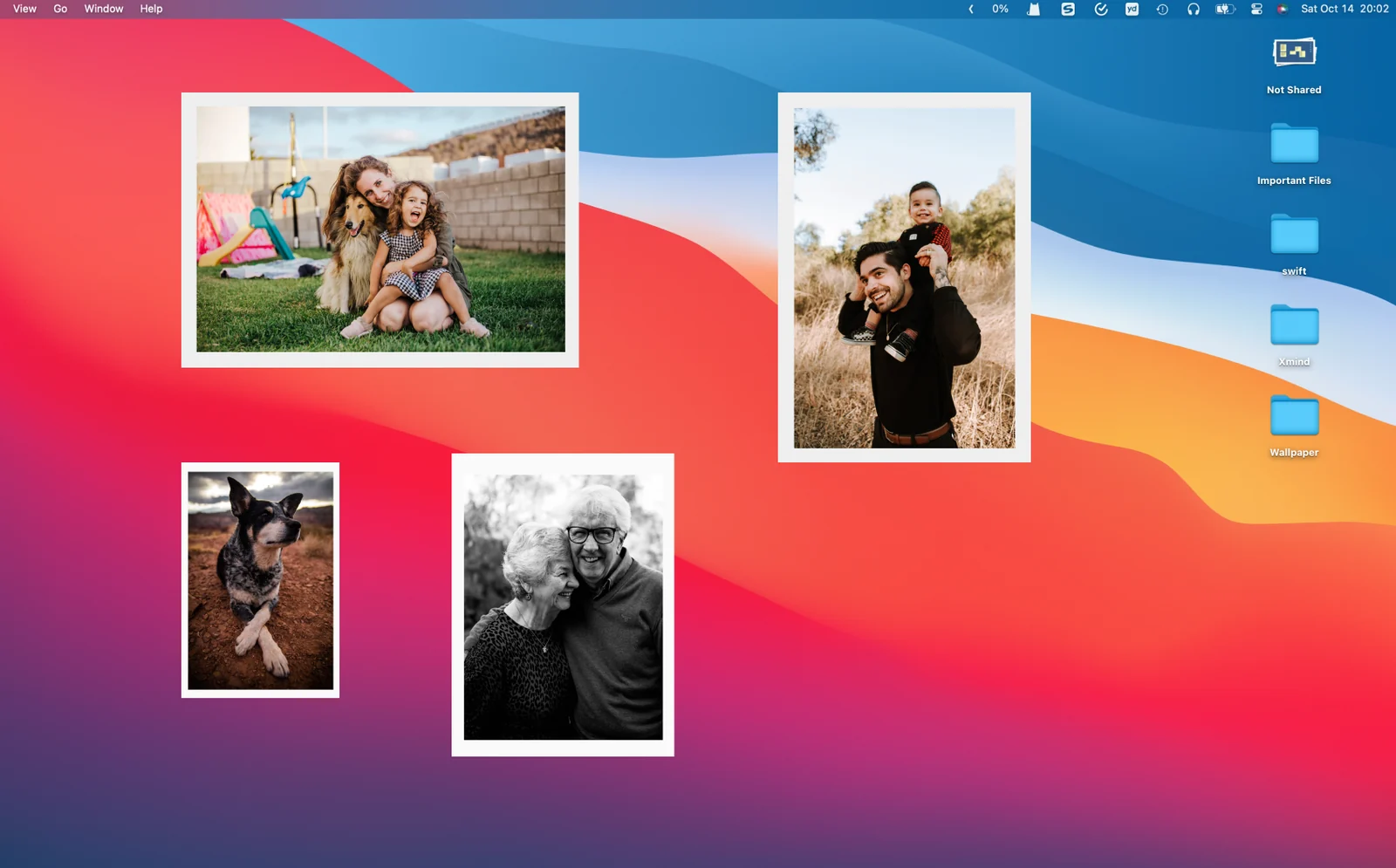
A favorite photo, close by
Place a photo on your Mac desktop, or use a photo widget on your iPhone or iPad Home Screen. Give a familiar image a place alongside your notes.
Explore the features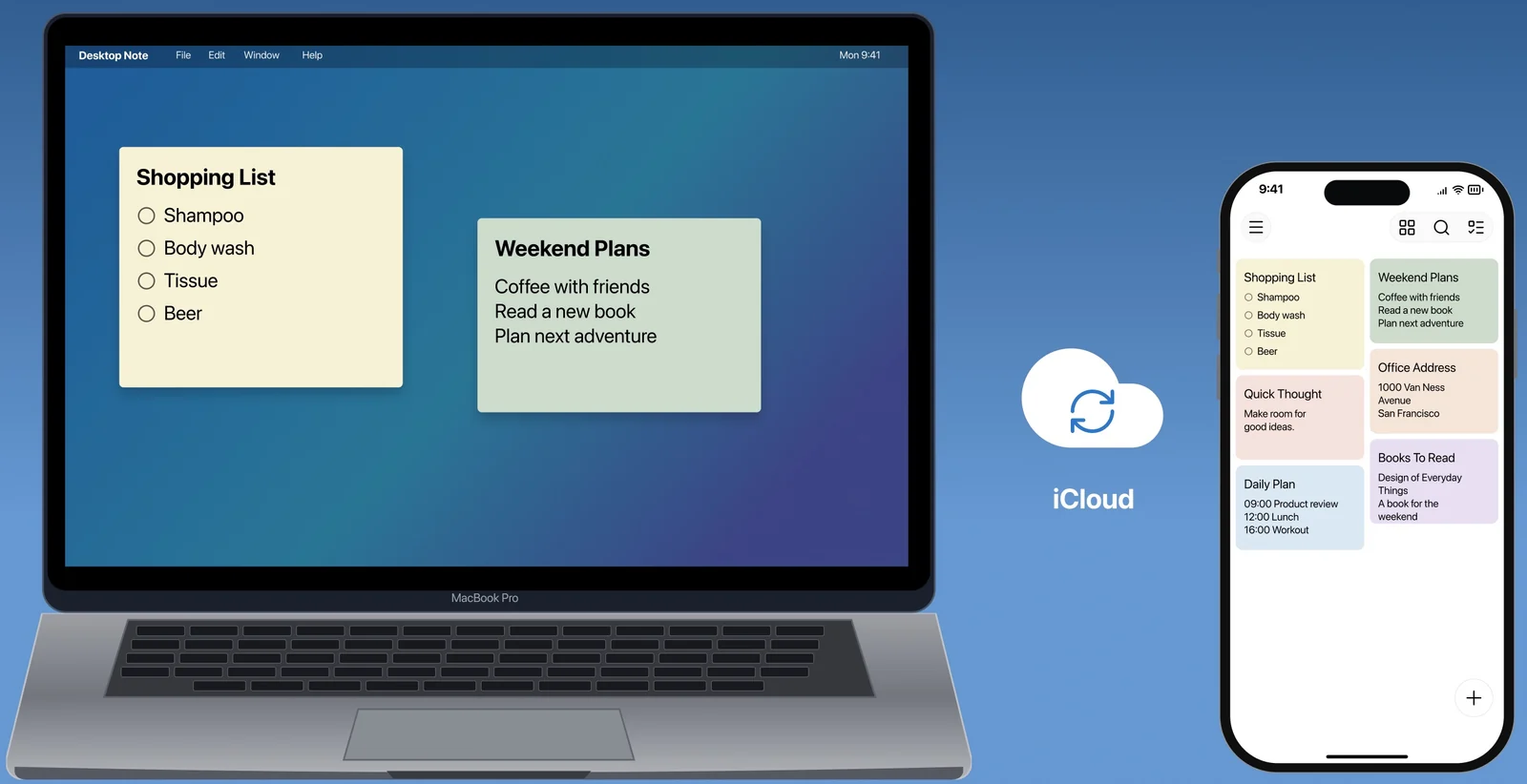
Pick up the thought on another device
Use iCloud with the same Apple Account to continue with your notes on Mac, iPhone and iPad. Start at your desk and pick up the thought on the device nearby.
Explore the featuresYour ColorNote notes can come along.
Moving to iPhone? Import a supported ColorNote device backup in Desktop Note, preview your notes and keep writing.
Desktop Note
FAQ
Which devices can I use?
Desktop Note is available for Mac, iPhone and iPad. Mac has desktop notes; iPhone and iPad have Home Screen widgets. Check the App Store for current system requirements.
How does iCloud sync work?
Sign in to the same Apple Account on your devices and make sure iCloud has available storage. Notes and photos sync automatically; timing depends on your connection and iCloud.
Is Desktop Note free?
You can download Desktop Note for free. Pro unlocks unlimited notes and photos. Free limits can vary by platform; current prices and subscription details are shown in the app and App Store.
Can I move my notes from ColorNote?
On iPhone or iPad, import a supported ColorNote device backup and review the preview. Locked notes, Trash contents and empty checklists are skipped. Reminders and widgets are not transferred.
A clearer day starts with a small note.
Find Desktop Note on the App Store for Mac, iPhone and iPad.