 Desktop Note
Mac · iPhone · iPad
Colorful notes with illustrated backgrounds
Give each note a look that helps it feel familiar. Combine colors, illustrated backgrounds and text styling to make a work plan, a personal list or a passing idea easy to recognize.
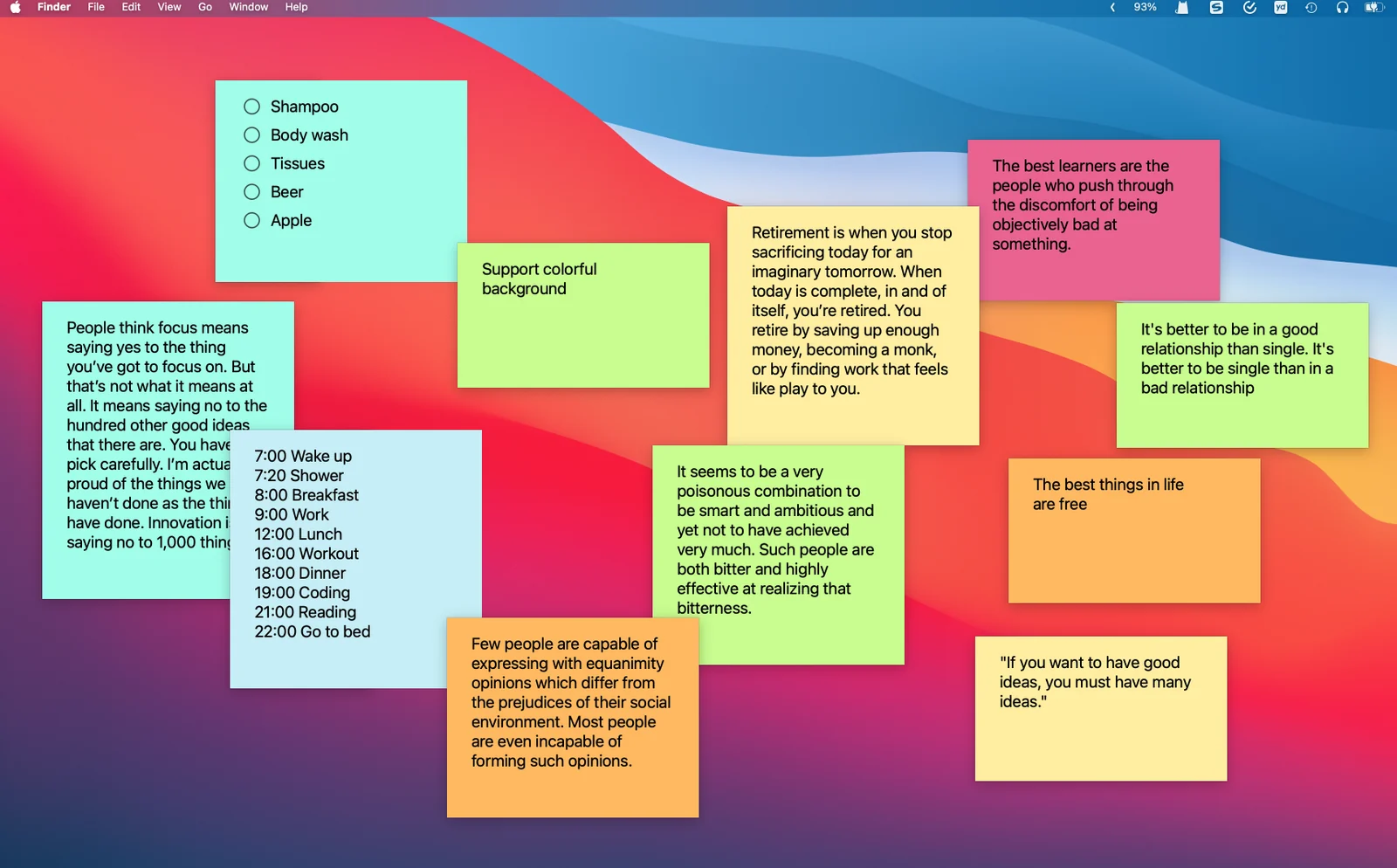
A color for each little thing
Use different note colors to separate a work plan, a personal reminder and an idea worth keeping. Choose a background that makes the text comfortable to read.
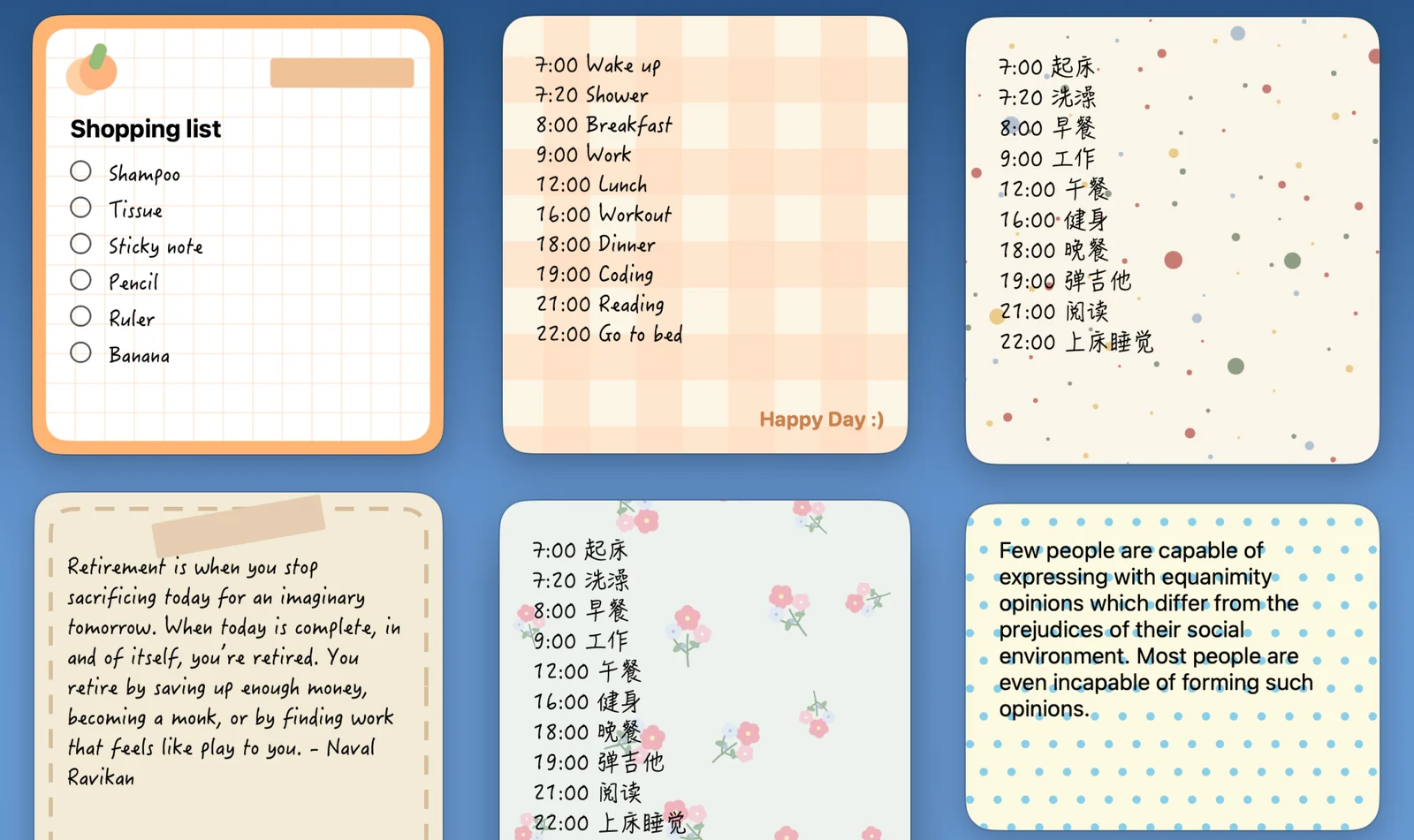
A little character for your notes
Illustrated and patterned backgrounds give a note a different feel. Add a little character to a daily reminder or choose a calm design for a thought you revisit often.
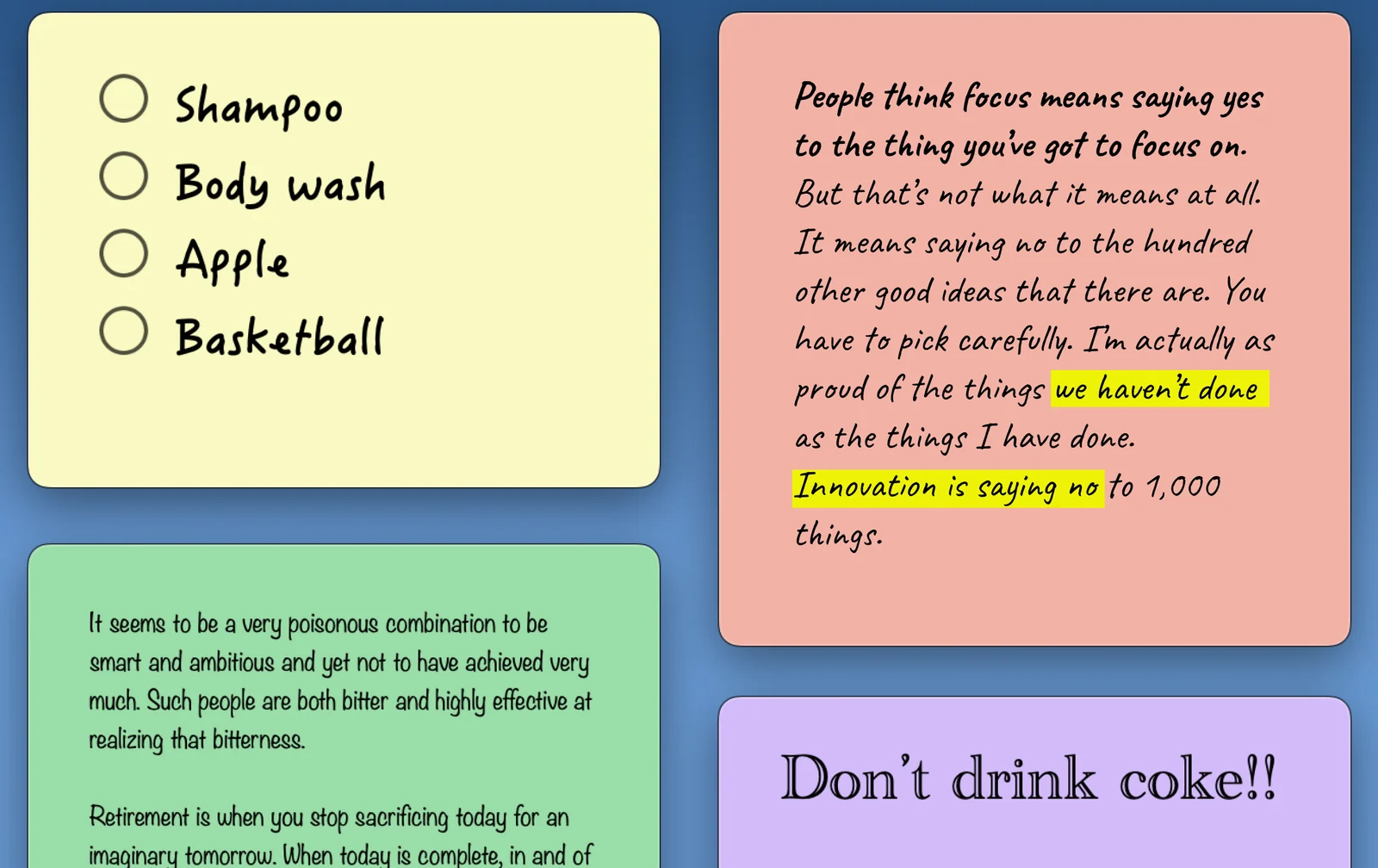
Make the words easy to read
Adjust the text appearance to fit a short reminder or a longer note. Give the words you return to a style that feels comfortable to read.
A place in your day
- Separate work and personal notes with color.
- Give a daily intention an illustrated background.
- Choose a readable style for a frequently used reference.
On your devices
macOS
On Mac, customize a note’s background and text appearance. Opacity is a separate desktop setting, so you can consider readability alongside the windows and wallpaper behind the note.
For Mac ↗iOS · iPadOS
The iPhone and iPad apps offer note appearance and rich-text choices. A Home Screen widget has its own limited space; preview its content on the device you use.
For iPhone & iPad ↗FAQ
How do I choose a comfortable background?
Start with the content: a simple background and clear contrast work well for longer text. An illustration can accompany a short note while leaving the words easy to read.
Are illustrated backgrounds the same as photo widgets?
No. A note background styles written content. Photo notes and photo widgets display a chosen picture and have their own feature page.