 Desktop Note
Mac · iPhone · iPad
Photos for your Mac desktop and iPhone widgets
Make room for a picture that means something to you. Desktop Note brings photos to your Mac desktop and to photo widgets on the iPhone and iPad Home Screen.
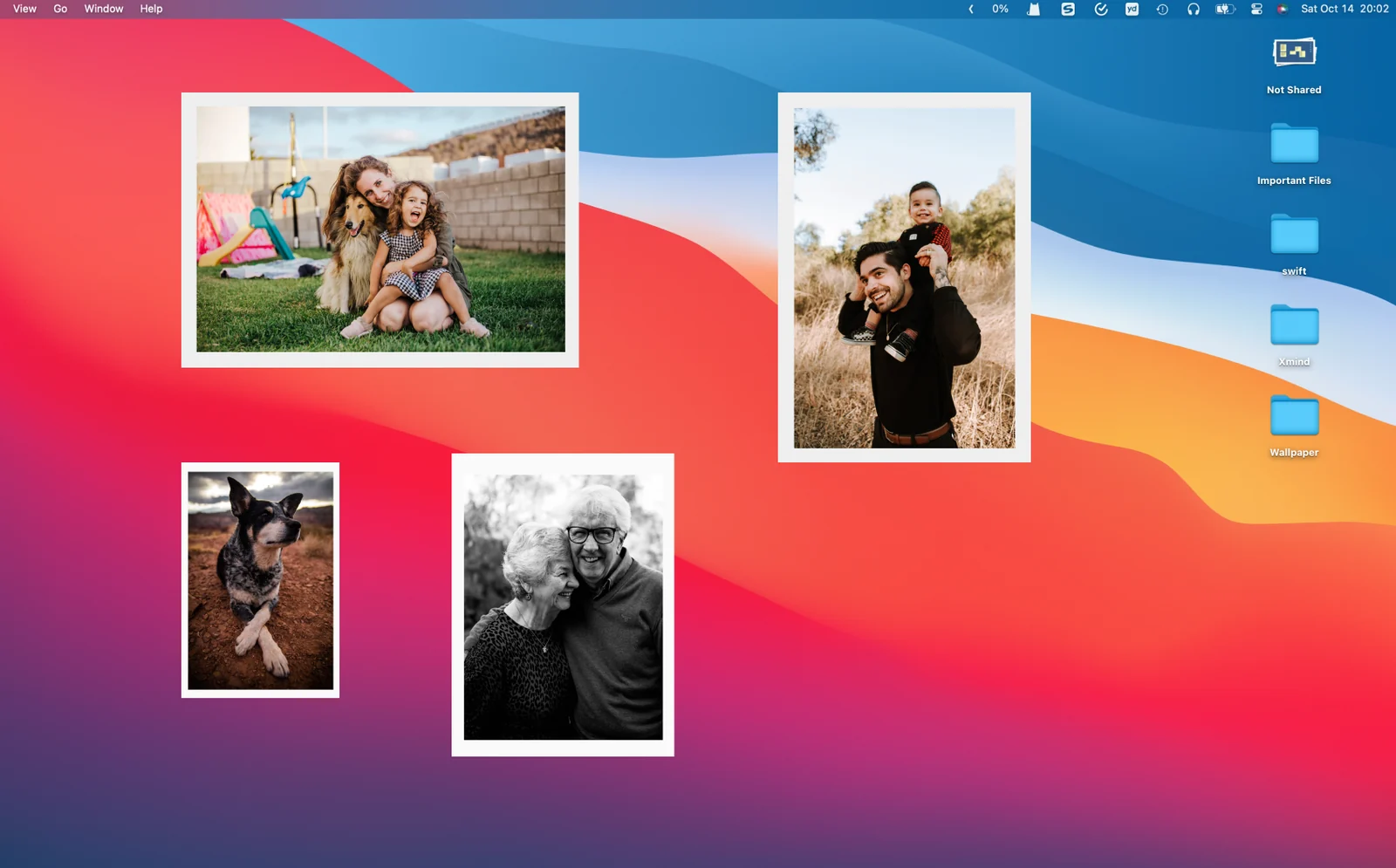
A favorite photo, close by
Place a photo on your Mac desktop, or use a photo widget on your iPhone or iPad Home Screen. Give a familiar image a place alongside your notes.
A place in your day
- Keep a favorite memory beside your work.
- Give your Home Screen a familiar picture.
- Place a visual reference near a short written note.
On your devices
macOS
Arrange photos on your desktop alongside notes and checklists. Choose a position that leaves important text readable and makes the picture easy to find during your day.
For Mac ↗iOS · iPadOS
Use a photo widget to show a picture on the iPhone or iPad Home Screen. This is different from adding an illustrated background to a text note.
For iPhone & iPad ↗FAQ
What kinds of photos work well here?
A favorite memory, someone you care about or a simple visual reference can make a useful choice. Pick a picture that remains recognizable in the space available on your device.
How can I arrange photos and notes together?
Leave room for the text you read frequently and place the photo nearby as a visual point of reference. On your phone, consider the surrounding icons and other Home Screen widgets too.