 Desktop Note
Mac · iPhone · iPad
Simple to-do lists in your sticky notes
Turn a few things to remember into a list you can work through. Desktop Note checklists give everyday tasks a familiar place beside your other notes.
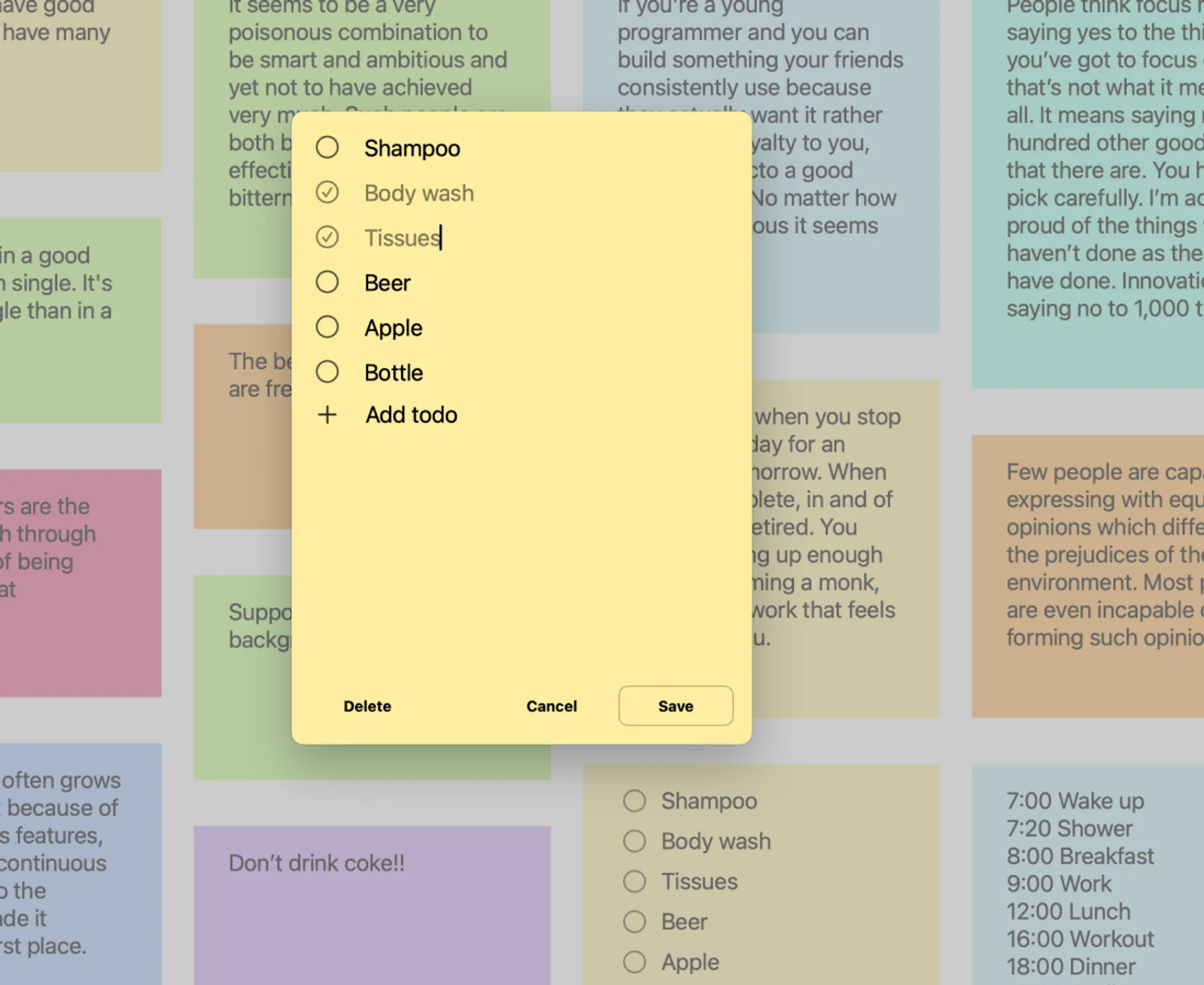
Turn a thought into a small plan
Keep everyday tasks together in a checklist and mark items as you finish them. Give the next small step a place beside your other notes.
A place in your day
- Write three priorities for the working day.
- Prepare a packing or shopping checklist.
- Keep the repeatable parts of a personal routine together.
On your devices
macOS
Write and edit a checklist in the Mac app, then keep the note where it is useful on your desktop. A short list can help you find the next step without leaving the work in front of you.
For Mac ↗iOS · iPadOS
Use checklists in the iPhone and iPad apps and display selected note content with Home Screen widgets. The app remains the place to review longer lists and their details.
For iPhone & iPad ↗FAQ
Can I continue a list on another Apple device?
iCloud can keep note content available across your devices using the same Apple Account. Connection and iCloud processing affect when changes arrive.
Will a long list fit into a small widget?
A widget has limited room. Keep the most useful information near the beginning and use the app when you need to review the complete checklist.