 Desktop Note
 or EasyNotes? Choose around your Mac and iPhone workflow
An evidence-based comparison of Desktop Note and Gulooloo Tech’s EasyNotes for visible notes, Apple devices and a careful switch.
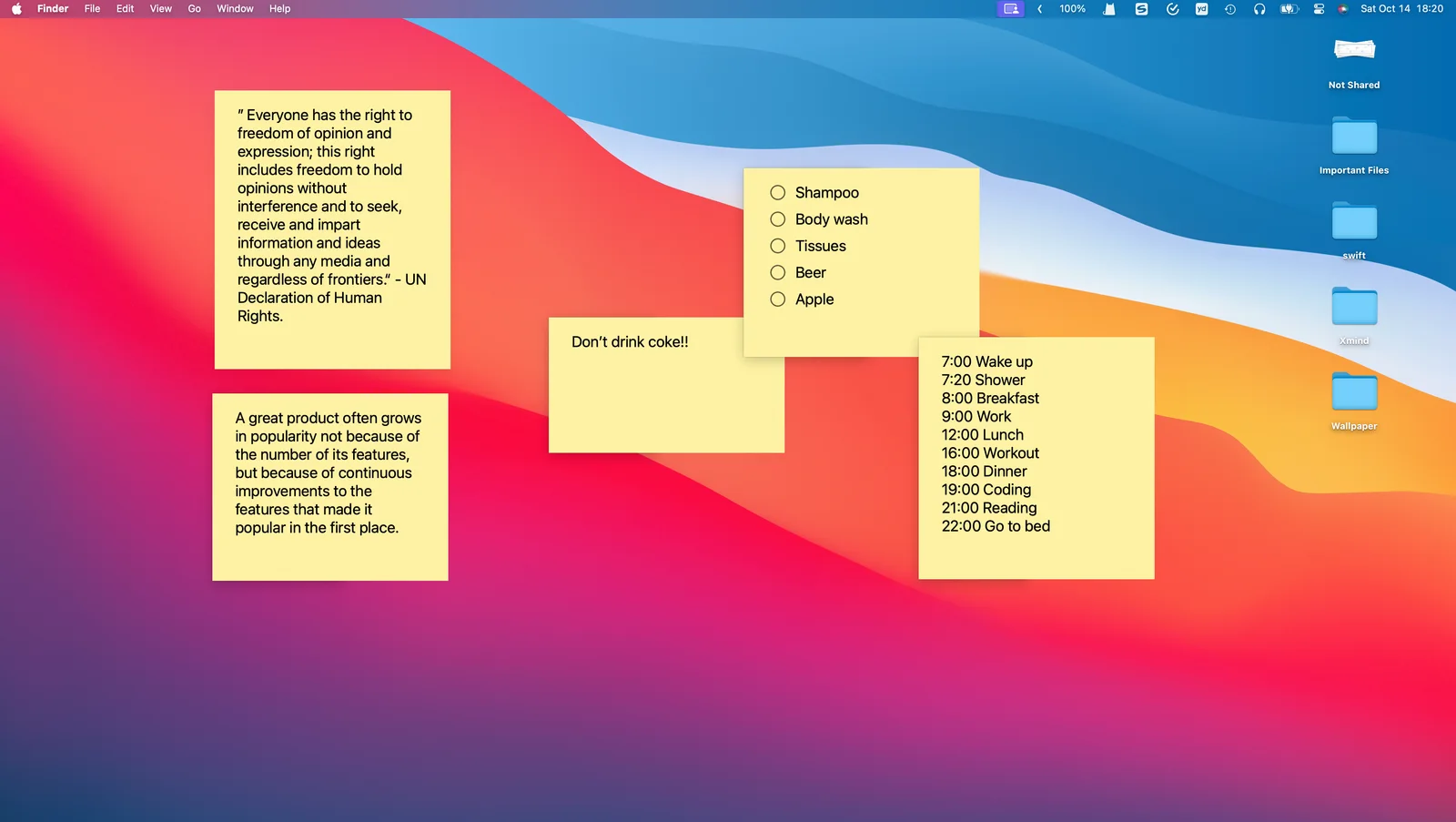
Choose by the task you want to improve. Desktop Note is a candidate when you want visible notes on a Mac desktop and access to the same content on iPhone. This comparison concerns EasyNotes: Notes, Memo & Lists by Gulooloo Tech, App Store ID 6450029780, rather than every product with a similar name. Checked on 13 November 2026; published by Desktop Note.
Look beyond a colorful appearance
EasyNotes’ listing describes rich text, widgets, reminders, audio and drawing. Those are relevant if your workflow depends on media capture or scheduled prompts. Do not assume that switching to Desktop Note reproduces each of these tools.
Desktop Note’s documented workflow combines Mac desktop notes, pinning above windows, desktop opacity, checklists, iPhone Home Screen widgets and iCloud synchronization. Its strongest question for this comparison is practical: would seeing a short note beside your current Mac application reduce the need to reopen a note library?
| Situation | A useful Desktop Note trial |
|---|---|
| Preparing a call on Mac | Pin a note containing three discussion points |
| Checking a list on iPhone | Select that list in a Home Screen widget |
| Moving between Apple devices | Create one test note and verify iCloud sync |
| Keeping a large existing archive | Plan exports and manually inspect transferred content |
Test before committing to a switch
Install Desktop Note, create a non-sensitive example note and try it during a normal work session. Adjust the window size and opacity until the note is readable beside your work. On iPhone, choose the note in a widget instead of assuming the widget automatically selects the right content.
Migration and compatibility limits
Desktop Note does not document a dedicated EasyNotes backup importer. Its ColorNote importer is specific to ColorNote backups; it is not a universal converter. Preserve the originals, inspect the export choices available in your current EasyNotes version, and transfer a small sample through a compatible or manual workflow before planning the rest. Do not assume PDFs, recordings or drawings become editable Desktop Note content.
Compare current platform requirements and purchase options in both App Store listings. Prefer the app that supports your essential daily actions, and keep the existing library until you have confirmed the replacement workflow.