 Desktop Note
A ColorNote alternative for iPhone and Mac: what to check
Compare your note-taking workflow before moving from ColorNote to Desktop Note, including backup import and Apple-device limitations.
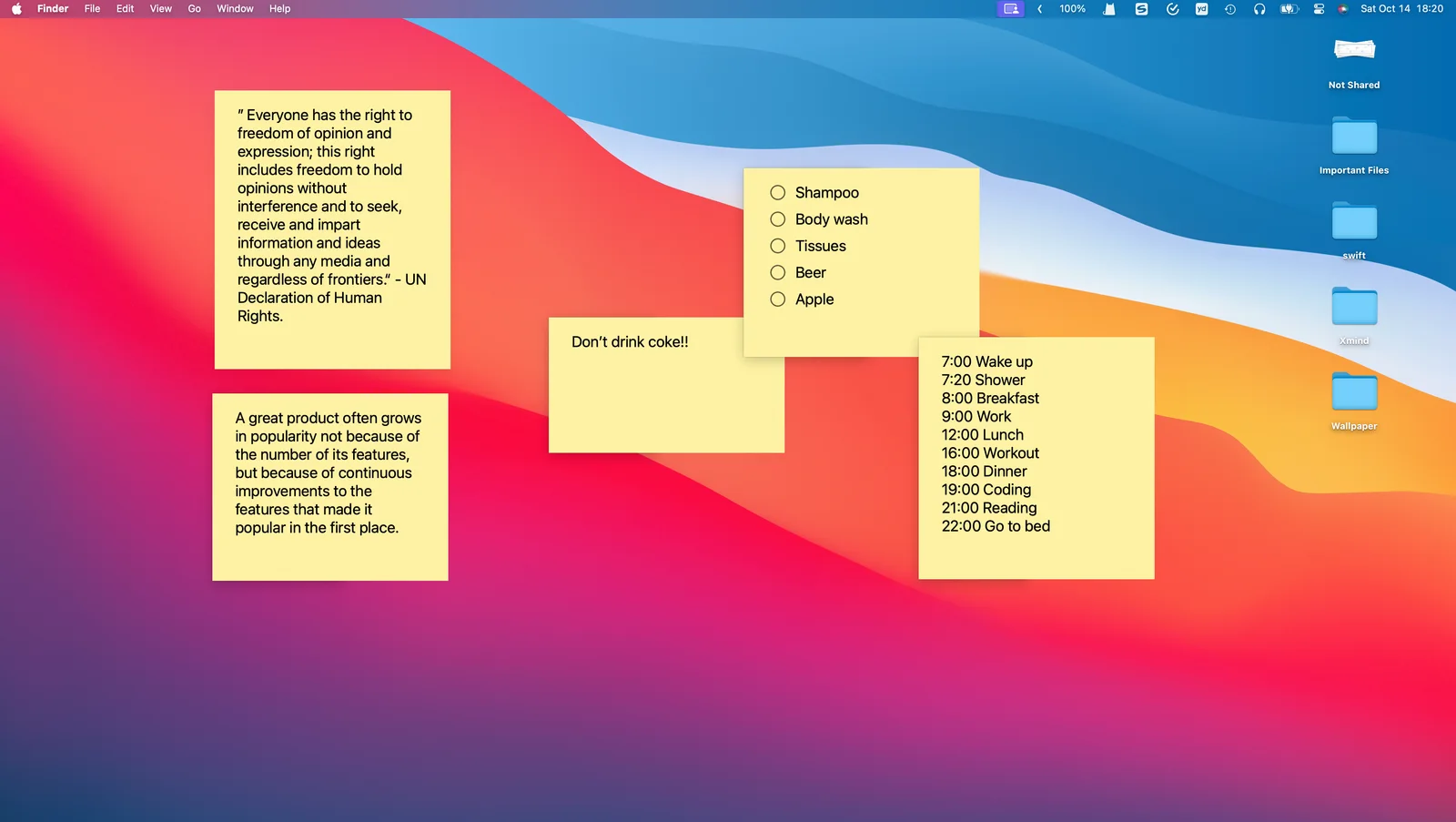
Desktop Note is worth evaluating if your next note-taking workflow centers on an iPhone and a Mac. The decision is about where you need your notes and how you use them, not simply choosing another app with colored backgrounds. This comparison was checked on 13 November 2026 and is published by Desktop Note.
Start with the devices you use
ColorNote’s official site directs users to Android and documents device backups. Desktop Note provides iOS, iPadOS and macOS apps, iCloud synchronization, Mac desktop notes and iPhone Home Screen widgets. If you still need to edit the same collection on Android, Desktop Note does not provide an Android client or ongoing synchronization with ColorNote.
| Your priority | What to evaluate in Desktop Note |
|---|---|
| A note beside your Mac work | Desktop visibility, pinning and readable opacity |
| A short list on your iPhone | A selected Home Screen note widget |
| Existing ColorNote content | Device-backup import on iPhone, followed by inspection |
| One collection on Apple devices | iCloud setup and a small synchronization test |
Try a representative workflow
Create a short everyday note and a checklist in Desktop Note before moving your archive. Put the note on the Mac desktop, configure a widget on iPhone and confirm that the arrangement is useful in practice. Then import a retained copy of your ColorNote device backup on iPhone through Settings. Preview the import counts before committing.
Understand the migration boundary
The importer supports tested .backup and historical .doc files. It preserves supported text and checklist information, but colors are approximate; locked notes, Trash contents and empty checklists are skipped. Reminders and widgets must be recreated separately where an equivalent workflow exists. Duplicate source identifiers are skipped rather than overwriting notes. Some password and backup formats may fail, so consult the migration guide and keep the originals.
If your main reason for switching is a visible Mac workspace connected to your iPhone, this is a focused use case to test. If it is a promise of exact feature parity or a live Android bridge, it is not what this migration provides. Check current store requirements and purchase options before deciding.